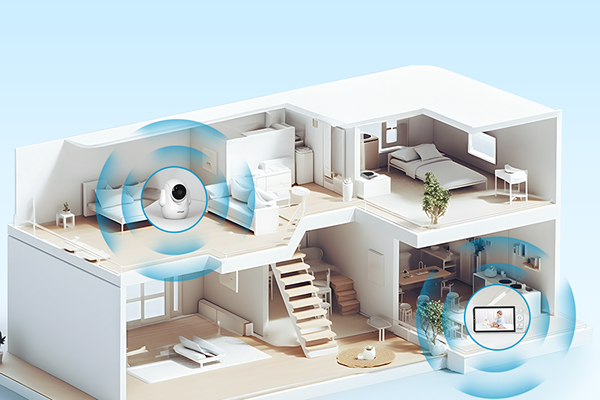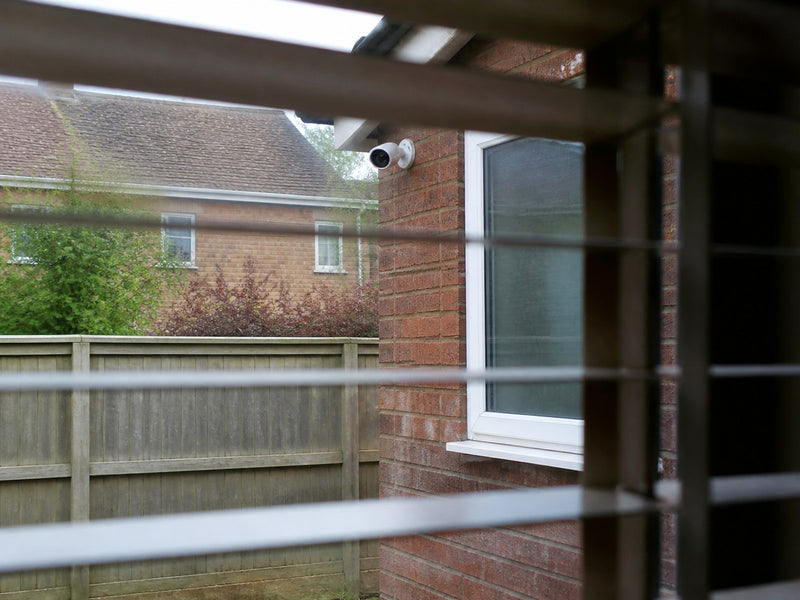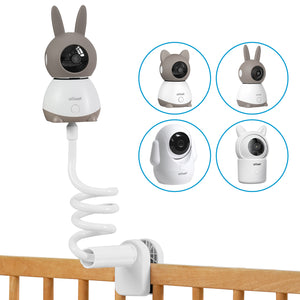


A single camera is often enough to keep an eye on a small flat entrance, side gate or other clearly defined weak point. A typical house with separate front, side and rear access points usually benefits more from a multi-camera setup, as each area can remain in view at the same time. What matters most is how many separate places you need to watch, rather than simply how big your home is.
Start by mapping the front door, drive, back garden, gate and outbuildings, then consider Wi-Fi, power, storage and privacy. The comparison below looks at how single- and multi-camera household CCTV systems differ in coverage, simultaneous monitoring, device management and recording, before covering selection and installation for a UK home.

Key Takeaways
- A single-camera system records one active viewpoint, while a multi-camera system covers several physically separate locations at the same time; whether recording is continuous or motion-triggered depends on the cameras.
- Wide-angle and PTZ functions extend one camera’s view, but they cannot replace dedicated cameras at the front, side and rear of a property when simultaneous coverage is required.
- Single-camera systems often use direct app control and camera-level storage; multi-camera systems can centralise live views, playback and storage through a hub or recorder.
- Single-camera systems typically have lower starting costs and use less bandwidth and storage. In the UK, basic standalone cameras can cost under £100, compared with roughly £200–£600 for four-camera wireless equipment.
- Cameras should normally be mounted at the manufacturer’s recommended height, often around 2.5–3 metres, tested during the day and at night, and aimed away from neighbouring, public and communal areas where possible.
What Is a Single-Camera CCTV System?
A single-camera CCTV system typically consists of one independently operated security camera connected directly to the household network and app. It usually works without a separate recorder or base station, making it suitable for focused home monitoring.
Typical applications include:
- Monitoring the main entrance of a flat or small home
- Watching a driveway, garage, shed or parked vehicle
- Covering a compact garden or side passage
- Adding surveillance to one known security weak point
- Starting with basic monitoring before expanding the system
A single-camera setup is generally cheaper and easier to install and manage. It also typically uses less bandwidth and storage, but provides only one active recording view at a time. Wide-angle or PTZ functions can extend that view, although they cannot maintain several separate perspectives simultaneously.
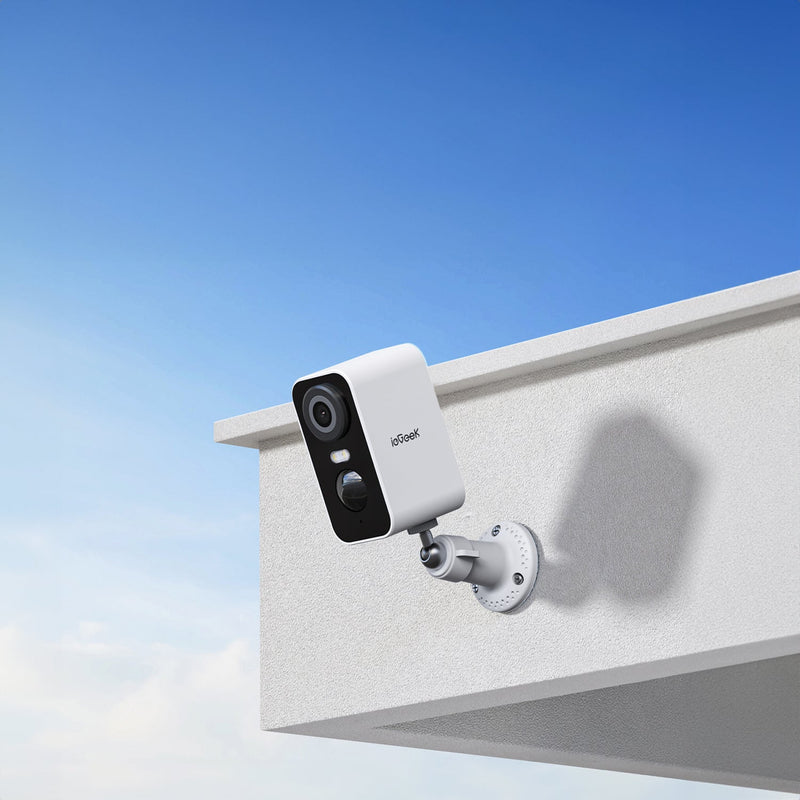
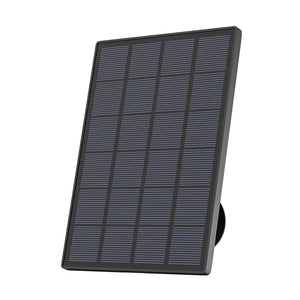
The ieGeek S5 Solar Security Camera is one example. Solar charging can reduce how often you need to recharge the battery, while app-controlled PTZ lets you adjust the view across an open garden, driveway or courtyard without a separate hub.
What Is a Multi-Camera CCTV System?
Activity at the front door should not go unrecorded simply because the only camera is pointing towards the garden. A multi-camera system avoids this problem by giving each area its own camera, with each camera assigned to a different part of the property.
The ieGeek ZY-Q5 Security Camera System shows how this works in practice. Its base station brings compatible cameras into one system instead of requiring users to manage each device separately. With the standard four-camera setup, users can:
- Keep the front entrance, driveway, side gate and back garden visible simultaneously
- Open four live views together rather than switching between individual devices
- Add pre-paired kit cameras with fewer repeated setup steps
- Store event footage on a base-station microSD card of up to 512GB
- Continue local event recording during an internet outage, provided the cameras and base station remain powered and connected and a compatible microSD card is fitted.
This arrangement offers more complete coverage and simpler footage management, but it also involves more equipment, installation points and network traffic. It makes most sense when you need to watch separate parts of the property without turning a camera away from another entrance.

Single vs Multi-Camera CCTV Systems: Key Differences
Here’s how the two setups compare in everyday use.
| Factor | Single-camera setup | Multi-camera setup |
|---|---|---|
| Number of cameras | One | Two or more |
| Coverage area | One active viewpoint | Several locations simultaneously |
| Live monitoring | One live view | Multiple views where supported |
| Management | Direct camera-to-app control | May use a shared app, hub or recorder |
| Storage | Camera-level local or cloud storage | Per-camera or centralised storage |
Installation and Cost
When comparing UK quotes, separate equipment costs from professional installation. A basic single-camera system can cost under £100, while four-camera wireless equipment costs about £200–£600. Supply and professional fitting start at around £450 plus VAT for a basic four-camera wireless system, while a wired CCTV system may cost about £800 plus VAT. Multi-camera systems cost more because they include additional cameras and may require a base station, recorder or greater storage capacity. However, a bundle with shared storage can work out cheaper than buying each camera and its accessories separately.
Network Use and Notifications
A single-camera system sends one video stream and monitors one detection area. A multi-camera system can handle several streams and detection areas simultaneously. At 2Mbps per stream, one camera uses 2Mbps, while four active cameras use about 8Mbps. This uses broadband upload capacity only when CCTV footage is sent over the internet; local recording and viewing use the home network. Local event recording reduces internet use, but storage requirements still increase as more cameras record.
Reliability and Expansion
A single-camera system depends on one camera, power source and network connection, so a fault can interrupt recording or remote access, depending on the setup. A multi-camera system distributes coverage across several devices, meaning one camera failure normally affects one location. However, a shared hub or recorder can affect all connected cameras if it stops working. Standalone cameras can be added separately, while hub-based systems are limited by their available channels, processing capacity and compatible camera models.
How to Choose the Best Home CCTV Systems
To find the best CCTV system for home use, start with what you actually need to see: a visitor at the front door, a parked car on the drive, or activity at several entrances at once.
Single-Camera Systems for Basic Home Monitoring
For a flat, terraced home or household mainly concerned about one driveway, entrance or parcel delivery spot, a single well-positioned camera may provide all the coverage required. In this situation, the best home CCTV systems are those that make the single view more useful. For example, the ieGeek ZS-GX4S 5MP Solar Security Camera uses 5MP video and AI detection to show clearer details and distinguish people, vehicles, pets and parcels within that area, with vehicle, pet and parcel recognition requiring a paid subscription.
Multi-Camera Systems for Wider Home Coverage
Wider coverage means keeping separate areas under observation, not simply using a wider lens. One camera cannot see around walls or record the front and rear of a house simultaneously, while PTZ movement leaves one direction outside the frame when the camera turns. A coordinated set of outdoor security cameras for your home is therefore more suitable when entrances, driveways, gardens or outbuildings need separate views at the same time.

Compatibility, Connectivity and Future Expansion
A standalone camera is a straightforward choice when monitoring will remain limited to one area. If more locations are likely to be added, starting with a compatible multi-camera system allows the devices, recordings and live views to remain together. Connectivity also affects the decision: one strong Wi-Fi position may support a single camera, whereas a multi-camera setup requires reliable connections at every monitored location, including through brick walls and out to detached garages.
How to Install a Single or Multi-Camera CCTV System?
Before drilling any holes, check that your chosen positions give you both a useful view and a reliable connection.
Installing a Single CCTV Camera
A single camera of this type connects directly to the home network and can be mounted after its viewing angle and Wi-Fi signal have been confirmed.
Step 1: Choose the Camera Position
Mount the camera at the height recommended in its manual, often around 2.5–3 metres above the ground, near the front door, driveway, garage or gate being monitored. Point it towards the route people use to approach the property, with the entrance in the centre of the frame. Avoid aiming at the sky, nearby lights or a neighbour’s property. UK ICO guidance recommends avoiding public, communal and neighbouring areas where possible; if you record people beyond your boundary, data protection rules apply.
Step 2: Mount the Camera and Arrange Power
Hold the bracket against the wall, mark the screw holes and check for hidden pipes or cables before drilling. Insert suitable wall plugs, secure the bracket and attach the camera with a slight downward angle. For a solar security camera, place the panel in an unshaded, south-facing position where possible, accounting for the lower winter sun, and leave a drip loop in the charging cable.
Step 3: Connect to Wi-Fi and Test
Turn on the camera near the router, add it in the app and connect it to the required Wi-Fi band, commonly 2.4GHz. Move it to the mounting position and test the live view, motion alert and saved recording. Walk through the monitored area during the day and after dark to confirm that faces remain visible and that the night vision camera produces clear images without glare from nearby brickwork, windows or vehicle number plates.
Installing a Multi-Camera CCTV System
A base-station system is connected and paired indoors before the cameras are mounted around the property.
Step 1: Connect the Base Station
Place the base station indoors near the router, in an open position, rather than inside a cupboard or metal cabinet. For the ieGeek ZY-Q5 Security Camera System, connect the base to power and the router with an Ethernet cable, then add it in the ieGeek Cam app.
Step 2: Add and Label the Cameras
Turn on all cameras close to the base station. Pre-paired cameras should appear automatically; if one is missing, check its charge and follow the manual’s pairing instructions. Rename each feed by location, such as “Front Door”, “Driveway”, “Side Gate” or “Back Garden”.
Step 3: Mount and Check Each View
Place each camera temporarily at its planned location and open the multi-camera live view. Confirm that every access route is visible and that the wireless connection remains stable. Mount the brackets only after these checks, then walk through each area to verify that the correct camera records the event and sends the alert.
FAQ
How many security cameras should a home have?
There is no fixed number. Use one camera for one priority area, then add cameras only for separate locations that need their own coverage at the same time. A flat may need one, while a house with front, rear and driveway access may need several.
Where not to put security cameras?
Avoid private spaces such as bedrooms or bathrooms, and unnecessary views of neighbouring homes and gardens. Avoid capturing more of the street or communal areas than necessary. The UK ICO recommends keeping domestic CCTV focused on your own property where possible.
How much does it cost to install four CCTV cameras?
In the UK, four-camera wireless equipment generally costs about £200–£600. A basic professionally supplied and fitted wireless system starts at around £450 plus VAT, while a wired system starts at about £800 plus VAT. Extra cabling, electrical work or higher-specification cameras can increase the price.
Do multiple CCTV cameras use more internet bandwidth?
Yes, when several cameras stream or upload footage over the internet simultaneously. At 2Mbps per camera, four active streams can use about 8Mbps of upload bandwidth. Motion-triggered local recording uses less internet because footage is not continuously uploaded. Systems such as the ieGeek ZY-Q5 also support local event recording through a base station, reducing reliance on continuous internet uploads.
Can I mix different brands of CCTV cameras in one system?
Only when the app, base station or recorder explicitly supports those camera models. Otherwise, the cameras may need separate apps and storage. Compatibility is not guaranteed even within the same brand, and unsupported features such as alerts, audio or AI detection may not work.
Conclusion
One camera is usually enough for a single entrance, driveway or parcel area. A multi-camera system makes more sense when the front, rear and other separated parts of a property need footage at the same time. Choose around those everyday needs, then check how you’ll store recordings and whether the connection reaches each camera position.
About the author
 |
Developed by the ieGeek content team, combining hands-on experience with smart devices and insights into real user needs. ieGeek is widely known for smart security, our solutions are also designed for a variety of real-life scenarios, including travel, outdoor monitoring, pet care, and family safety. We focus on delivering simple, dependable solutions that fit seamlessly into daily life. |