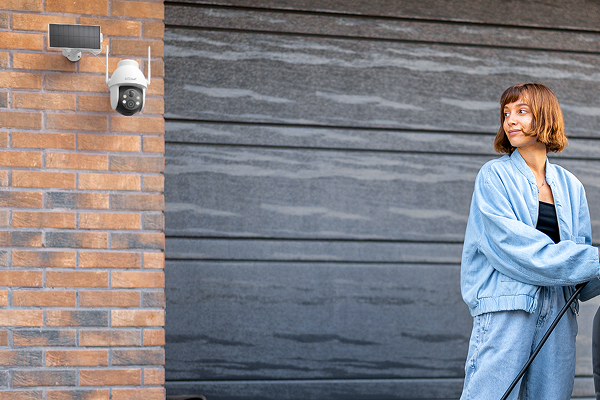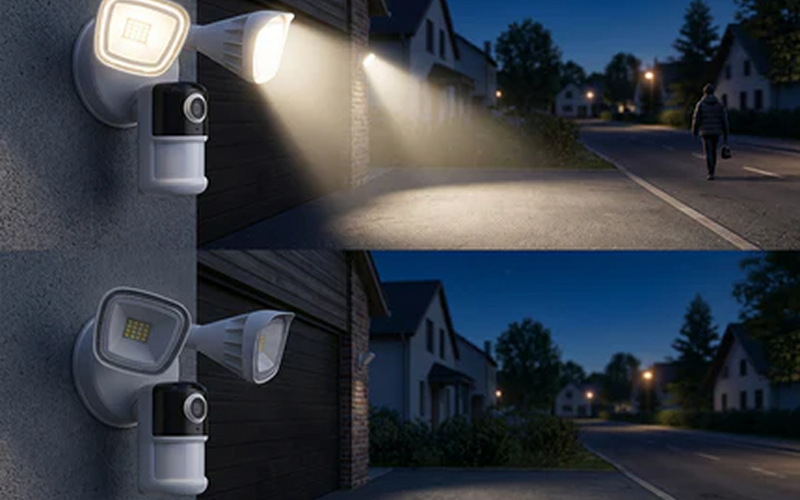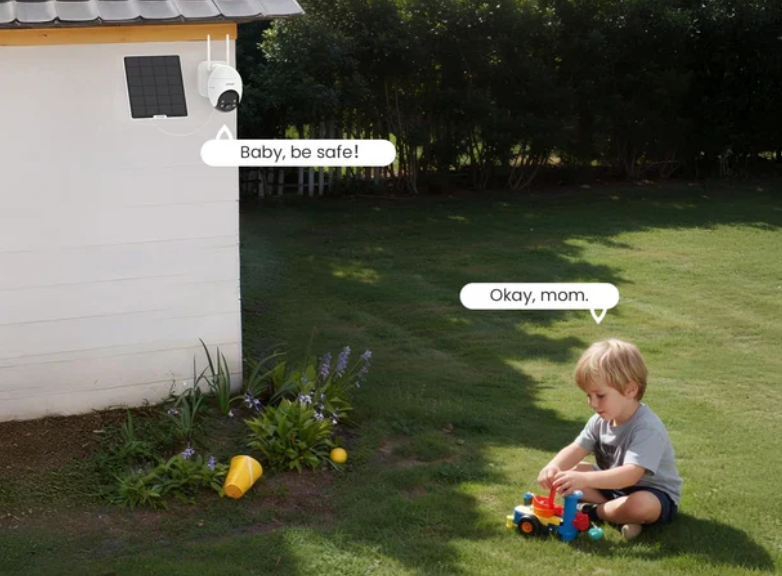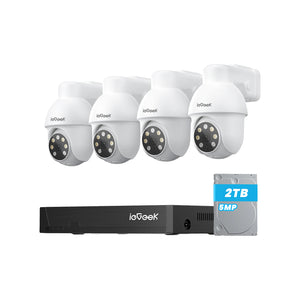


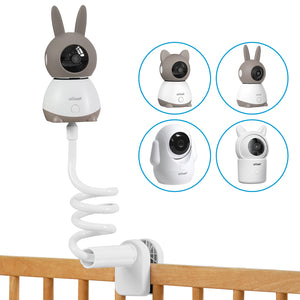
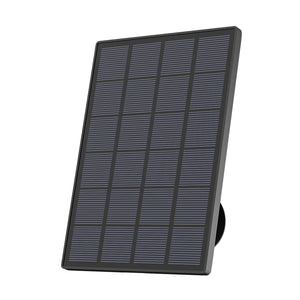


Wireless outdoor security cameras reduce cabling restrictions and make it easier to monitor entrances, gardens, driveways and outbuildings. However, differences in property size, network coverage, recording mode and available power can affect which camera is most suitable. A compact garden may only need short-range monitoring, while a rural garage could require 4G connectivity and solar power.
This guide compares some of the best wireless outdoor security cameras for different UK homes and explains the main factors to consider before choosing.
Key Takeaways
- Wireless outdoor cameras can reduce video cabling, but they still require a suitable network connection and power source.
- Choose the ieGeek ZS-GX4S for large gardens, the S5 for compact homes, the ieGeek S7 for busy driveways and the 4G-enabled ieGeek S11 for rural areas beyond home Wi-Fi coverage.
- Fixed cameras keep one important entrance in view, while PTZ models allow users to inspect different areas but cannot face every direction simultaneously.
- Motion-triggered recording saves power and storage, while AOV 24/7 recording provides a more continuous timeline of activity.
- Wi-Fi strength, motion recording and night footage should be tested at the intended mounting point before permanent installation.
- Solar charging may decrease during winter, and the camera view should remain focused mainly within the property boundary.

Key Benefits of Wireless Outdoor Security Cameras
Wireless outdoor security cameras can reduce cabling and offer more flexibility in installation, remote viewing and future system expansion.
Easier Installation With Less Cabling
Wireless transmission reduces the need to run video cables from each camera to a recorder. Battery and solar models may also be installed without a nearby external mains socket, which can simplify installation around an existing home.
More Flexible Camera Placement
With fewer cabling restrictions, outdoor security cameras can be positioned around front doors, side passages, sheds or detached garages. Placement will still depend on the required viewing angle, network coverage and available sunlight for solar charging.
Remote Access From Different Locations
Many wireless cameras support live viewing, activity alerts and recording playback through an app. This allows householders to check deliveries or outdoor activity while away, provided the camera maintains a stable connection.
Easier to Expand Home Coverage
Additional wireless cameras can often be added without extending new video cables throughout the property. Homeowners may begin with one entrance and later add coverage around a garage, side gate or garden office as monitoring needs change.
Best Wireless Outdoor Security Cameras for UK Homes
Different homes require different levels of coverage and recording, so the best outdoor wireless security cameras will vary by property. The following options cover four common settings, including compact gardens, busy driveways, large outdoor areas and rural properties.
Best Wireless Outdoor Security Cameras at a Glance
|
Model |
Best For |
Resolution |
Maximum Local Storage |
Night Vision |
Network Connection |
|
ieGeek ZS-GX4S |
Detached homes with large gardens, front gardens or several areas that need occasional checking |
5MP, 2976 × 1696 |
128GB MicroSD |
Infrared up to 10m; colour within 8m |
2.4GHz Wi-Fi |
|
ieGeek S5 |
Compact homes, terraced homes, rented properties, small gardens and short monitoring distances |
3MP, 2304 × 1296 |
Up to 256GB |
Infrared and colour |
2.4GHz Wi-Fi |
|
ieGeek S7 |
Busy driveways, detached or semi-detached homes with driveways, off-street parking or frequent daily activity |
4MP, 2560 × 1440 |
Up to 256GB MicroSD |
Infrared and colour |
2.4GHz Wi-Fi |
|
ieGeek S11 |
Rural homes, detached garages, farm buildings and outdoor areas without reliable home Wi-Fi. |
2K |
Up to 128GB |
Colour night vision with four LED lights |
4G LTE |
Best for Large Gardens: ieGeek ZS-GX4S
Large gardens often include several areas that cannot be covered effectively from one fixed angle. The ieGeek ZS-GX4S 5MP solar security camera combines 5MP resolution with 355° pan, 120° tilt and automatic tracking, allowing homeowners to check paths, fences and side entrances through the app. Its 9000mAh battery and 3W solar panel also support installation away from an outdoor socket.
Key features:
- 5MP resolution at 2976 × 1696
- 355° pan and 120° tilt
- Automatic motion tracking
- 9000mAh battery with a 3W solar panel
- Up to 128GB MicroSD storage

Best for Compact Homes: ieGeek S5
A compact garden or short entrance usually requires clear nearby monitoring rather than extended viewing distance. The ieGeek S5 solar security camera records in 3MP and uses PIR detection to provide alerts when movement occurs. PTZ control can move the view between a patio and side passage, while the 5000mAh rechargeable battery supports installation without permanent mains wiring.
Its 4× digital zoom enlarges the existing image, so it is more useful for checking nearby objects than identifying details from further away.
Key features:
- 3MP resolution at 2304 × 1296
- PTZ viewing coverage
- PIR motion detection
- 5000mAh rechargeable battery
- 2.4GHz Wi-Fi connectivity

Best for Busy Driveways: ieGeek S7
Frequent vehicle movements and deliveries can be difficult to understand from short motion-triggered clips alone. The ieGeek S7 wireless 24/7 recording camera uses AOV 24/7 recording to provide a more continuous timeline, helping householders check when a vehicle entered, when a parcel arrived or how an incident developed.
Its 4MP resolution records nearby people and vehicles, while AI human detection can help separate relevant activity from general movement. The 9000mAh rechargeable battery supports wireless placement, although continuous recording will use more power and storage than event-only recording.
Key features:
- 4MP resolution at 2560 × 1440
- AOV 24/7 recording
- AI human detection
- 9000mAh rechargeable battery
- 2.4GHz Wi-Fi and IP65 weather resistance

Best for Rural Homes: ieGeek S11
Detached garages, farm buildings and distant property boundaries may sit beyond the range of home Wi-Fi. The ieGeek S11 4G LTE camera connects through 4G LTE and a SIM card, allowing householders to monitor these locations through the app without relying on fixed broadband at the installation point.
With solar and battery power, the camera can be placed around a yard or outbuilding without running a permanent power cable to the location. Users can then adjust the PTZ view remotely, while four LED lights help retain colour details after dark. The installation point will still need reliable 4G coverage and an active mobile data tariff.
Key features:
- 2K resolution
- 4G LTE connectivity with SIM card support
- PTZ viewing coverage
- Four LED lights
- Solar and battery power
- Up to 128GB local storage

How to Choose a Wireless Outdoor Security Camera
After identifying the option that best matches your type of home, check whether it suits the exact monitoring area, network coverage and recording needs. Even the best outdoor wireless security cameras UK households can choose from will perform differently under these conditions, which can affect installation and everyday use.
Start With the Area You Need to Record
Decide which part of the property needs priority coverage, such as a front entrance, driveway, side gate or garden building. A single entrance may only require one fixed view, while a larger garden with several approach routes may benefit from wider coverage or more than one camera. Also check whether people and vehicles will pass close enough for the camera to capture sufficient useful detail.
Choose Fixed or PTZ Coverage
Fixed cameras suit entrances and paths that need to remain in view at all times. PTZ models can be moved remotely to inspect different parts of a garden, driveway or yard, making them useful for larger outdoor areas. However, a PTZ camera only records the direction it is facing, so separate cameras may be more suitable when two entrances require continuous coverage.
Check Wi-Fi or 4G Availability
Wi-Fi models are suitable when the home network reaches the intended mounting point. Test the signal outdoors with doors and windows closed, as brick walls, distance and metal garage doors can weaken the connection. For detached garages, farm buildings or remote boundaries beyond Wi-Fi range, a 4G camera may be more practical if mobile coverage is reliable.
Compare Local and Cloud Storage
Local MicroSD storage may suit households that want to keep recordings at the property and limit subscription costs. Cloud storage can retain footage away from the camera, which may be useful if the device is damaged or removed. Before choosing, check the supported recording mode, maximum storage capacity and whether an ongoing cloud subscription charge applies.
What to Consider When Using Wireless Outdoor Security Cameras
Wireless outdoor cameras can be affected by detection settings, viewing direction and available solar power. Checking these factors during everyday use can help reduce missed footage, unnecessary alerts and frequent charging.
Test Motion Recording Before Mounting
Motion-sensitive cameras may begin recording only after activity has been detected. Test the camera at the intended mounting point and check whether the clip includes the person or vehicle approaching the property. If it records only after a visitor has reached the door, adjust the camera angle, detection range or activity zone.
Set a Default PTZ Viewing Position
A PTZ camera may remain pointed towards the last area viewed through the app. Set the default position to cover the most important entrance, gate or driveway approach, and check whether the camera returns to that view after manual movement or automatic tracking.
Plan for Lower Solar Charging in Winter
Shorter days and heavier cloud cover can reduce charging for solar security cameras during winter. Check whether trees, gutters or rooflines shade the panel, and reduce unnecessary alerts or frequent live viewing if the battery level falls more quickly. Keeping the panel clean can also support more consistent charging.
Keep the Main View Within Your Boundary
A domestic CCTV system should mainly record your own entrance, garden, driveway or outbuilding. If neighbouring property or a public area appears in the frame, adjust the angle or use privacy masks where available. Activity zones can also reduce notifications caused by pedestrians and vehicles outside the area you want to monitor.
FAQs
What is the difference between a wireless camera and a WiFi camera?
A Wi-Fi camera uses a local wireless network to transmit footage. “Wireless camera” is a broader term that can include both Wi-Fi and 4G models. Both still require battery, solar or mains power.
Should I get a 2K or 4K outdoor security camera?
Choose 2K for entrances, small gardens and close-to-medium monitoring distances. Higher resolution is more useful across wider areas or when footage may need cropping, although lighting and distance still affect visible detail.
What are the common problems with wireless outdoor security cameras?
Common problems include weak outdoor Wi-Fi, delayed motion recording, rapid battery drain, limited night-time detail and reduced winter solar charging. Testing the connection, detection area and viewing angle can prevent many of these issues.
What is the best wireless security camera for home use?
The best model depends on the property. The ieGeek S5 suits compact homes, the ieGeek ZS-GX4S covers larger gardens, the ieGeek S7 fits busy driveways, and the ieGeek S11 works in rural areas without reliable home Wi-Fi.
Do wireless security cameras need a power supply?
Yes. Wireless cameras require power from a rechargeable battery, solar panel, mains adapter or another electrical source. Solar charging can reduce manual recharging, but its performance varies with sunlight, weather and camera use.
Conclusion
Wireless outdoor cameras may reduce cabling, support remote viewing and make future coverage easier to expand. Choose a model according to the monitoring area, required recording mode, available Wi-Fi or 4G connection, and power conditions. Testing these factors at the intended mounting point can help determine whether the camera will provide suitable day-to-day coverage.
About the Author
 |
Written by the ieGeek team, a brand dedicated to making smart security simple and accessible for everyone. With experience in designing easy-to-install security cameras, we aim to provide practical advice based on real user scenarios. Our goal is to provide reliable, easy-to-use technology that helps users stay connected and protected in different environments. |