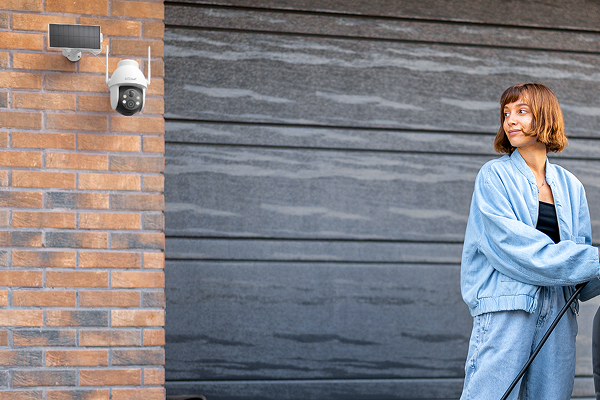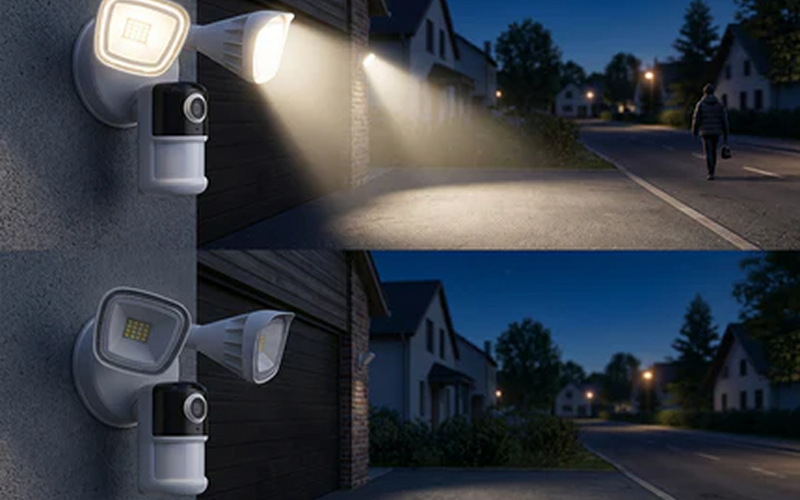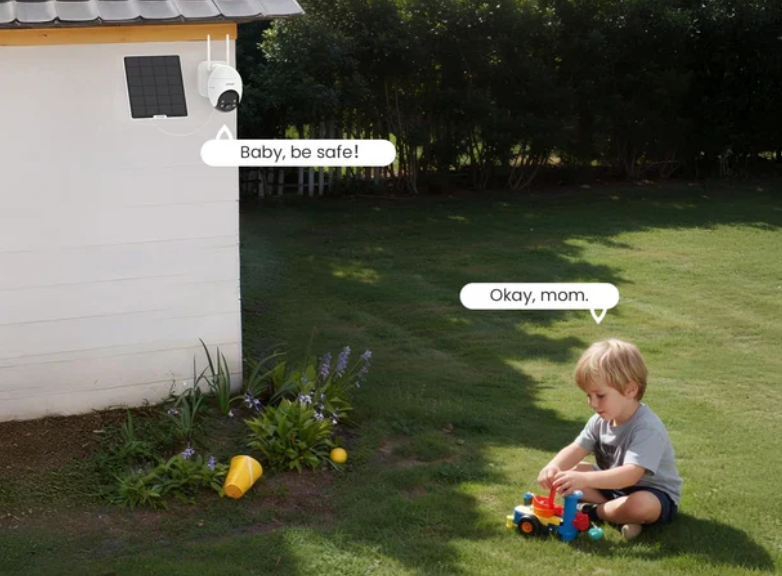


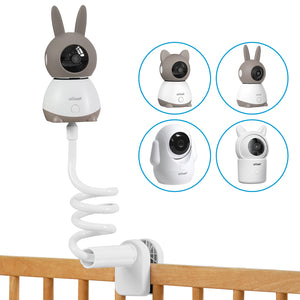
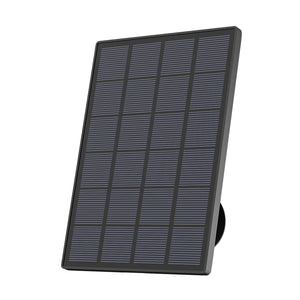


An outdoor security camera without a subscription can record activity without charging a recurring cloud-storage fee. However, “no subscription” does not always mean every feature is free. Local recording, cloud clips, AI detection and remote access vary between models.
The right choice depends on the installation location, recording mode and storage method. This guide compares five models to help you find the best security camera without a subscription in the UK for your property and monitoring needs.
Key Takeaways
- Local recording and playback are usually available without a subscription when compatible storage is installed.
- The ieGeek S7 supports AOV 24/7 local recording, while the ieGeek ZS-GX4S focuses on detailed motion-triggered footage.
- The ieGeek S11 uses 4G LTE for locations without Wi-Fi, but mobile data remains an ongoing cost.
- Check whether AI detection, remote playback and motion notifications remain free before buying.
- A MicroSD card, base station or mobile data plan may add to the total cost.

What Does No Subscription Mean for an Outdoor Security Camera?
A no-subscription camera does not require a monthly cloud plan for its basic security functions. With compatible local storage, such as a security camera with an SD card, users can usually record footage and review saved events without paying a recurring fee.
Depending on the camera, free functions may include:
- Motion-triggered or continuous local recording
- Playback of locally stored footage
- Remote Live View and two-way audio
- Motion alerts
- Basic AI detection
The available functions vary by model. Some cameras provide only event recording, while continuous recording requires specific hardware or power support. Basic AI detection may be free, but advanced recognition can require a paid plan. Free cloud storage may also cover only short clips rather than complete recordings.
Best Outdoor Security Cameras Without Monthly Fees
The five cameras below are compared by their free recording options, storage limits and main use cases.
Best Subscription-Free Outdoor Cameras at a Glance
|
Model |
Best For |
Free Recording Option |
Maximum Local Storage |
Resolution |
Power Source |
|
ieGeek S11 |
Locations without Wi-Fi |
MicroSD and basic cloud clips |
128GB |
3MP 2K |
9600mAh battery and solar |
|
ieGeek S7 |
AOV 24/7 recording |
MicroSD and short cloud clips |
256GB |
4MP 2K |
9000mAh battery and 5W solar |
|
ieGeek ZS-GX4S |
Detailed event recording |
MicroSD |
128GB |
5MP |
9000mAh battery and 3W solar |
|
Reolink Argus 4 Pro |
Panoramic coverage |
MicroSD |
Check current version |
4K |
Battery; optional solar |
|
eufyCam S3 Pro |
Expandable home systems |
HomeBase storage |
Expandable |
4K UHD |
Battery and integrated solar |
Best for Free Basic Cloud and Local Storage Without Wi-Fi: ieGeek S11
The ieGeek 4G Cellular Camera S11 suits farms, stables, building sites and remote driveways beyond home Wi-Fi coverage. It connects through 4G LTE and stores complete event recordings on a MicroSD card of up to 128GB.
This can be particularly useful where fixed broadband does not reach the camera location, such as a detached garage, outbuilding or remote entrance.
Basic cloud clips help users check what triggered an alert. When a vehicle enters a farm gate, the cloud preview may show its arrival, while the longer local recording provides the full event. These clips do not replace complete cloud storage.
Key Features
- 3MP 2K video: Records at 2304 × 1296.
- 4G LTE: Enables remote monitoring without Wi-Fi.
- Flexible storage: Supports 128GB MicroSD storage and basic cloud clips.
- PTZ coverage: Provides 355° pan, 120° tilt and 4X digital zoom.
- Solar operation: Combines a 9600mAh battery with solar charging.
Best for: Remote locations requiring local recording and 4G access.
Main limitation: Free cloud storage covers short previews rather than full recordings. A mobile data plan is required after the seven-day trial.

Best for AOV 24/7 Local Recording: ieGeek S7
A single motion clip may not show a complete incident around a driveway, garden entrance or shop exterior. The ieGeek Wireless 24/7 Recording Camera S7 uses AOV 24/7 recording to retain a more continuous timeline, saving footage to a MicroSD card of up to 256GB.
Free six-second cloud clips operate on a seven-day loop for quick alert checks. Full AOV footage remains on the MicroSD card. A camera facing a busy entrance will overwrite older recordings sooner than one monitoring a quiet side gate.
Key Features
- AOV 24/7 recording: Retains more context than event-only recording.
- 4MP 2K video: Records at 2560 × 1440.
- Large local capacity: Supports MicroSD cards up to 256GB.
- PTZ tracking: Follows movement across wider outdoor areas.
- Solar battery system: Uses a 9000mAh battery and 5W solar panel.
Best for: Homes and small businesses needing continuous local footage without cloud-recording fees.

Best for High-Resolution Local Event Recording: ieGeek ZS-GX4S
The ieGeek Solar Security Camera ZS-GX4S prioritises image detail without the power demands of continuous recording. Its 5MP video can retain useful information around a doorway, parking space or front garden, while event recording limits storage use during quiet periods.
A homeowner reviewing a parcel delivery can see the visitor, parcel and surrounding entrance without searching through hours of inactive footage. PTZ control and automatic tracking also help monitor movement across a larger garden or driveway.
Key Features
- 5MP resolution: Records at 2976 × 1696.
- Local recording: Supports MicroSD cards up to 128GB.
- PTZ tracking: Provides 355° pan and 120° tilt.
- Smart detection: Supports PIR sensing and activity zones.
- Solar charging: Combines a 9000mAh battery with a 3W panel.
Best for: Households wanting detailed local event recordings with manageable storage use.
For Wide Panoramic Coverage: Reolink Argus 4 Pro
A standard fixed camera may leave a gap across a double driveway or wide building frontage. Reolink Argus 4 Pro combines two lenses to create a 180° panoramic image, reducing the blind area that might otherwise appear between two cameras.
Local recording, Live View, mobile alerts and compatible smart detection can work without a mandatory cloud plan. The fixed panorama is useful when the entire driveway needs to remain visible at once.
Key Features
- 4K dual-lens video: Produces a detailed panoramic image.
- 180° field of view: Covers wide driveways and front gardens.
- Local storage: Saves events to a MicroSD card.
- Smart detection: Recognises people, vehicles and animals.
- Flexible power: Uses a battery with optional solar charging.
Main limitation: The camera cannot turn towards areas outside its fixed panorama. Confirm the MicroSD capacity for the current version before purchase.
For Expandable Whole-Home Storage: eufyCam S3 Pro
The eufyCam S3 Pro suits households planning a multi-camera system. Footage is stored through HomeBase, while compatible AI processing occurs locally, reducing reliance on paid cloud storage and processing.
Indoor centralised storage offers another advantage. If an outdoor camera is damaged or removed, footage already transferred to HomeBase may remain accessible. Additional cameras can be added as coverage expands from the front entrance to the driveway, side access and back garden.
Key Features
- 4K UHD video: Captures detailed outdoor footage.
- HomeBase storage: Keeps recordings on an indoor device.
- Expandable capacity: Supports a growing recording library.
- On-device AI: Detects people, vehicles and pets locally.
- Integrated solar charging: Reduces routine battery maintenance.
Main limitation: The initial cost is higher than a standalone MicroSD camera, and the full local-storage experience depends on HomeBase.
How to Choose the Right No-Subscription Outdoor Camera?
The security cameras above offer different free features, recording modes and storage options. Comparing these factors helps determine which camera best fits your property and monitoring needs.

Check What Works Without a Subscription
Confirm whether local playback, Live View, motion alerts, AI detection and activity zones remain available after the trial. Some cameras continue recording locally but restrict advanced notifications or longer cloud history.
It is worth checking the manufacturer's app and feature list before buying rather than assuming that “no subscription” means every function remains available indefinitely.
Compare Local Storage and Free Cloud Limits
Choose larger local storage, such as a suitable MicroSD card for your security camera, for continuous recording or areas with frequent activity. Short free cloud clips are useful for seeing what triggered a motion notification, while complete local recordings are better for reviewing the full event.
For a busy driveway or front path, a larger card may be more practical because frequent movement can fill available storage more quickly.
Choose Between Event and AOV Recording
Event recording conserves battery power and storage, making it suitable for a parcel delivery area, garden shed or quiet side entrance. Among outdoor security cameras, AOV models are more appropriate for a driveway where the approach, stop and departure all matter.
If you mainly want to know when somebody approaches the front door, motion-triggered recording may be sufficient. If you want to follow activity across a driveway or outside a small business, a more continuous recording mode may provide useful context.
Calculate Other Ongoing Costs
A subscription-free camera may still require a MicroSD card, base station, solar panel, Wi-Fi extender or mobile data plan. Compare these additional expenses before buying to understand the camera’s actual long-term cost.
For properties with weak wireless coverage, a Wi-Fi extender or improved broadband router placement may also be needed.
Common Setup Problems to Avoid
Correct setup can prevent missed recordings, connection failures and unnecessary battery drain. Before mounting the camera, test its main functions and follow the ICO guidance on home CCTV when setting the viewing angle.
Pair the Camera on 2.4GHz Wi-Fi
Many outdoor battery cameras support only 2.4GHz Wi-Fi because it provides a longer connection range than 5GHz. If both bands use the same network name, the phone may connect to 5GHz and cause pairing problems.
Temporarily giving the two bands different names can make setup easier. Connect both the phone and camera to the 2.4GHz network while completing the initial pairing process.
Test the Signal Before Drilling
Before drilling, hold the camera at the intended mounting position and check whether Live View loads smoothly.
Brick exterior walls, metal door frames, insulation and the distance from the router can weaken the signal, so test the connection at the final installation point rather than beside the router.
This is particularly useful before mounting a camera above a front door, garage, side gate or garden wall, where the signal may be weaker than it is inside the house.
Format the MicroSD Card in the App
A new card may appear in the app but fail to record until it is formatted through the camera settings. After formatting, trigger a test event and confirm that it appears in playback.
It is better to discover a storage problem during setup than after you actually need to retrieve a recording.
Consider UK Weather and Winter Sunlight
Solar-powered cameras can work well in the UK, but performance depends on where the solar panel is installed. Shorter winter days, cloud cover and shaded north-facing positions can reduce charging compared with summer conditions.
Where possible, place the panel where it can receive direct daylight and check whether trees, roofs, fences or neighbouring buildings create shade during different parts of the day.
FAQs
What is the best home security camera without a monthly fee?
There is no single best model for every property. The ieGeek S7 suits users who need AOV 24/7 local recording, while the ieGeek ZS-GX4S is better suited to detailed 5MP motion events. Reolink Argus 4 Pro covers a fixed 180° view, and eufyCam S3 Pro suits multi-camera homes that are willing to use HomeBase 3.
What security cameras will record without a subscription?
Security cameras with local storage can usually record without a subscription. Models such as the ieGeek S7 and ZS-GX4S save footage to a MicroSD card, while the eufyCam S3 Pro uses HomeBase storage.
Do any security cameras record without a subscription?
Yes. Many security cameras can record motion events, AOV footage or continuous video to local storage without a subscription. However, the required MicroSD card or base station may be sold separately.
Can I view footage remotely without a subscription?
Yes, many security cameras allow remote Live View and playback of locally stored footage without a subscription. The camera must remain connected to Wi-Fi or 4G, and a 4G model still requires mobile data.
What is the best CCTV camera for home without a subscription?
The ieGeek ZS-GX4S and S7 are suitable CCTV cameras for home use without a subscription. The ieGeek ZS-GX4S provides detailed 5MP motion-triggered recordings, while the ieGeek S7 captures a more continuous activity timeline through AOV 24/7 recording.
Conclusion
The best no-subscription camera depends on where and how you plan to use it. Choose event recording for quiet entrances, AOV for fuller activity coverage, 4G for areas without Wi-Fi, panoramic coverage for wide driveways, or centralised storage for multiple cameras.
When choosing the best security camera without a subscription in the UK, confirm which features remain free and whether storage, hardware or mobile data adds extra costs. UK buyers should also consider winter solar performance, Wi-Fi coverage through brick walls and whether the camera's field of view extends beyond the property boundary.
About the Author
 |
Written by the ieGeek team, a brand dedicated to making smart security simple and accessible for everyone. With experience in designing easy-to-install security cameras, we aim to provide practical advice based on real user scenarios. Our goal is to provide reliable, easy-to-use technology that helps users stay connected and protected in different environments. |