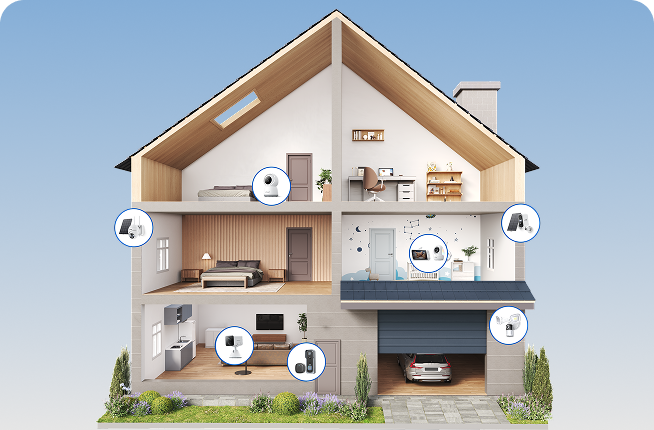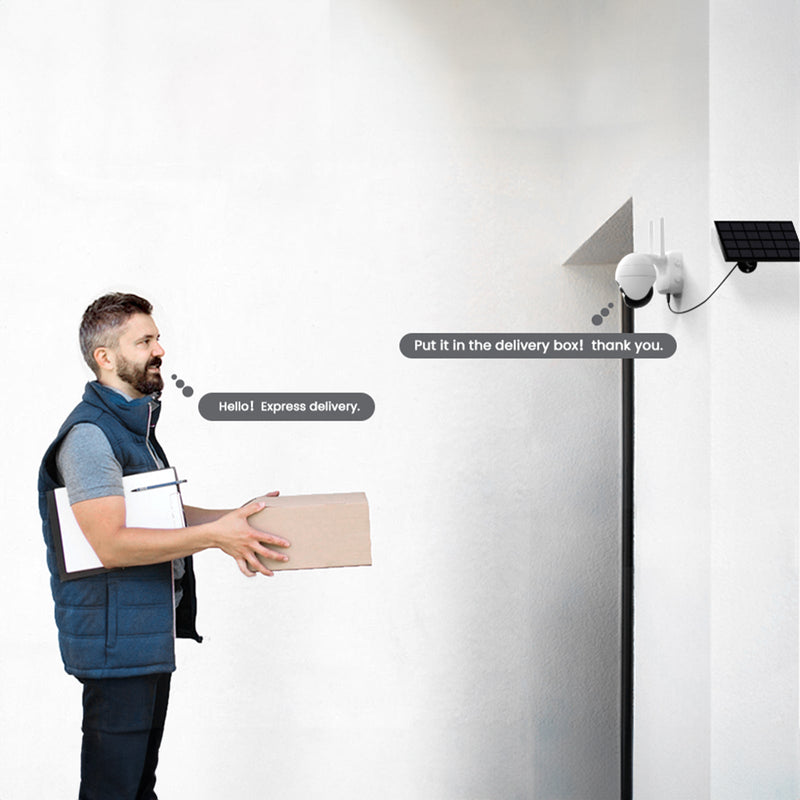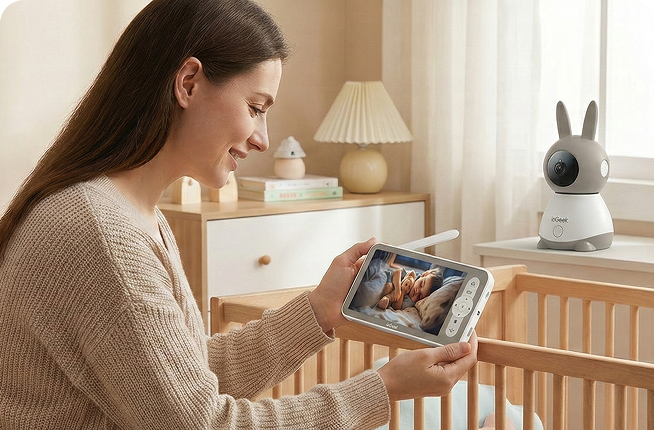




A security camera can work perfectly near the router but struggle once it is moved outside, behind a wall or further down the driveway. The difference often comes down to whether it uses 2.4 GHz or 5 GHz WiFi.
This guide explains how the two bands compare in range, wall penetration, speed and camera placement, and which one is more suitable for different security camera setups.

Key Takeaways
- 2.4 GHz provides longer usable range and generally passes through walls and floors more effectively, which is relevant for cameras installed further from the router or behind external walls.
- 5 GHz offers higher maximum connection speeds and more available channel capacity, making it more suitable for cameras positioned closer to the router or mesh point with fewer obstacles.
- Live view and playback depend on signal quality as well as WiFi frequency. A strong connection on either band is more important than the theoretical maximum speed of the band itself.
- 2.4 GHz is more widely used by household and nearby wireless devices, while 5 GHz generally has more available channels. Local network congestion can therefore affect connection stability on either band differently.
- Dual-band cameras support both 2.4 GHz and 5 GHz, giving users more flexibility when signal conditions vary between different mounting locations.
- WiFi should be tested at the planned camera location before permanent installation. Checking signal strength, live view and playback can reveal coverage problems before the camera is fixed in place.
What Does GHz Mean for Security Camera WiFi?
GHz stands for gigahertz, a unit used to measure the frequency of a wireless signal. WiFi networks operate on specific frequency bands, with 2.4 GHz and 5 GHz being two of the most common.
A WiFi security camera connects to the router through one of these bands, depending on what the camera and router support. Put simply, the GHz number describes the wireless connection, not how sharp the camera’s picture will be.
What Is the Difference Between 2.4 GHz and 5 GHz for Security Cameras?
Both bands carry data between the camera and router, but the main differences between 2.4 GHz and 5 GHz WiFi are range, wall penetration and connection speed.
| Factor | 2.4 GHz WiFi | 5 GHz WiFi |
|---|---|---|
| WiFi Range | Longer | Shorter |
| Wall Penetration | Better | More limited |
| Connection Speed | Lower maximum speed | Higher maximum speed |
| Typical Use | Longer-distance connections | Shorter-distance connections |
Signal Range and Coverage
2.4 GHz generally maintains a connection over a longer distance because its lower-frequency signal typically experiences less signal loss over the same distance. 5 GHz has a shorter effective range, so its signal tends to weaken sooner as the distance from the router increases.
Wall Penetration and Obstacles
2.4 GHz usually passes through walls and floors more effectively than 5 GHz. Higher-frequency 5 GHz signals are more easily weakened by solid materials such as brick, concrete and metal. In a UK home with thick brick or stone walls, either band can struggle, but 5 GHz is generally affected more noticeably.
Speed and Data Transfer
5 GHz can support higher data transfer speeds and carry more data at the same time when the connection is strong. 2.4 GHz has a lower maximum speed, but it still provides enough bandwidth for common security camera data such as video streams, alerts and control signals. For most security cameras, a reliable connection matters more than the highest advertised WiFi speed.
How WiFi Frequency Affects Security Camera Performance
On security cameras, 2.4 GHz and 5 GHz mainly affect signal coverage, video access and connection stability.
Range and Camera Placement
If the WiFi signal needs to pass through an external wall, several rooms or another floor, 2.4 GHz generally maintains the connection better than 5 GHz. A 5 GHz connection is more suitable when the camera is closer to the router or mesh point and there are fewer obstacles between them.
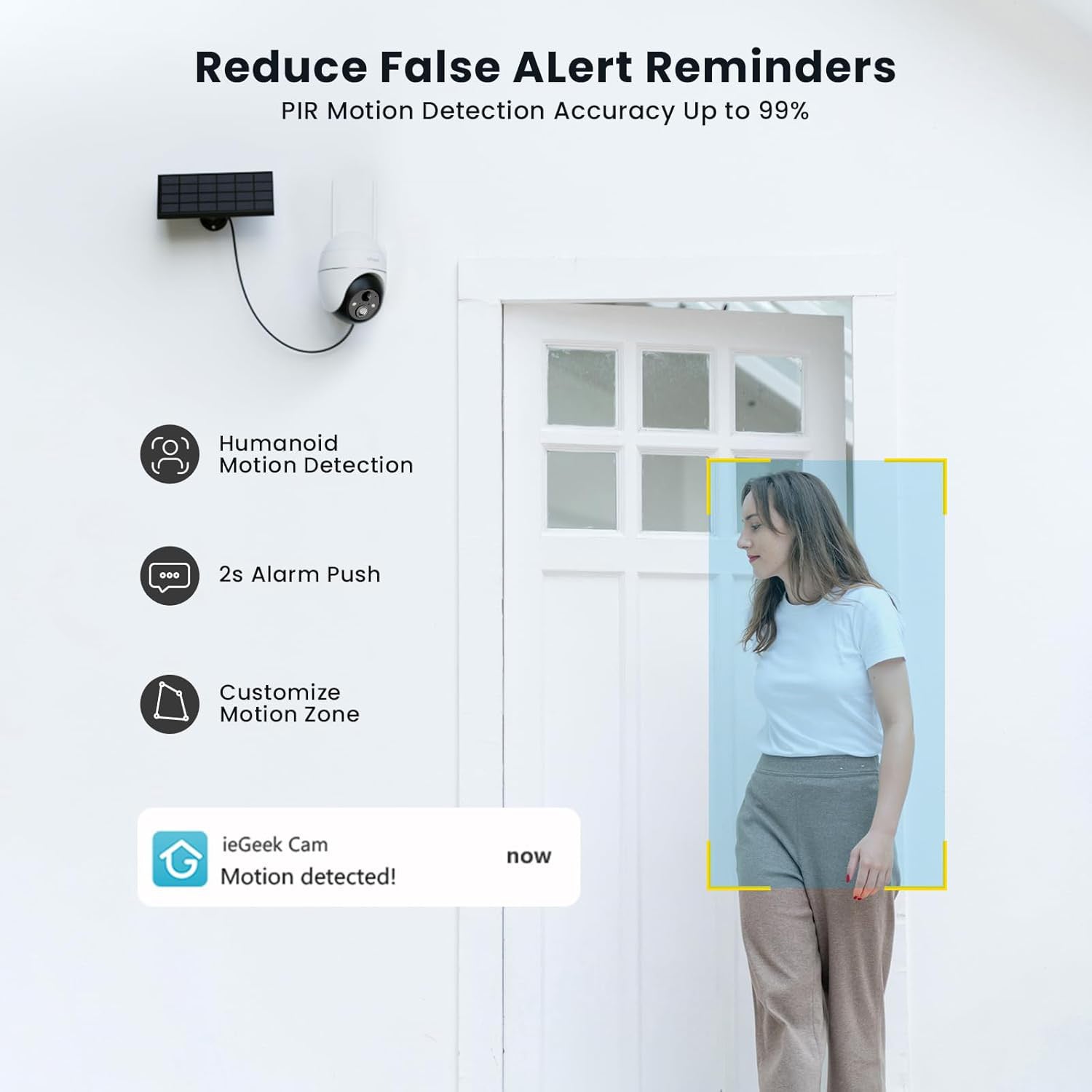
For a camera mounted at a front door, garage or side entrance, the signal often needs to pass through the outside wall before reaching the indoor router. In this type of setup, the ieGeek ZS-GX4S 5MP solar security camera supports 2.4 GHz WiFi and uses a 4 dBi WiFi antenna, making it an option worth testing where the signal needs to reach through an external wall.
Live View and Playback
Live view and in-app recorded playback both rely on a steady flow of data between the camera and network. When the WiFi signal is weak, you may find that live view takes longer to open or recorded clips keep pausing.
5 GHz can handle more data when the camera has a strong nearby connection. 2.4 GHz may provide more consistent access when the camera is further away or behind walls.
Interference and Connection Stability
2.4 GHz is used by many household devices and nearby WiFi networks, so the band can become crowded and more prone to interference. This is more noticeable in blocks of flats or terraced streets where neighbouring WiFi networks overlap.
5 GHz usually has more available channels and can be less congested, which can improve connection stability when the camera is within good range. Its shorter range remains the trade-off, so 5 GHz is generally more useful where interference is the main issue, while 2.4 GHz is often more practical where distance or walls are the bigger challenge.
Should I Choose a 2.4 GHz or 5 GHz Security Camera?
When choosing outdoor camera, start with where you plan to fit the camera rather than choosing by WiFi speed alone.
Choose 2.4 GHz for Longer-Range Coverage
A 2.4 GHz security camera is generally more suitable when:
- the camera will be further from the router;
- the signal needs to pass through external walls or several rooms;
- you want to cover a driveway, large garden or another more distant outdoor area;
- longer usable range matters more than maximum WiFi speed.
If the planned camera position is further along a driveway or towards the bottom of a garden, choosing a model that supports 2.4 GHz can make more sense. The ieGeek S7 wireless 24/7 recording camera uses 2.4 GHz WiFi and also supports AOV 24/7 recording and remote playback. For a driveway or garden, this lets you look back over deliveries, visitors and other activity throughout the day, provided the camera receives a reliable signal.

Choose 5 GHz for Shorter-Range Connections
A 5 GHz security camera is generally more suitable when it will be close to the router or mesh point, with few walls or other solid barriers between them.
This is often the case with indoor cameras or cameras installed close to a nearby mesh point. In these positions, the shorter range of 5 GHz is less of a limitation, while its higher available speed can be used more effectively.
Choose Dual-Band WiFi for More Flexibility
A dual-band camera is useful when you want the option to choose between 2.4 GHz and 5 GHz after checking the signal at the actual mounting point. A position close to the router may work well on 5 GHz, while another spot further away or behind a wall may be better on 2.4 GHz.
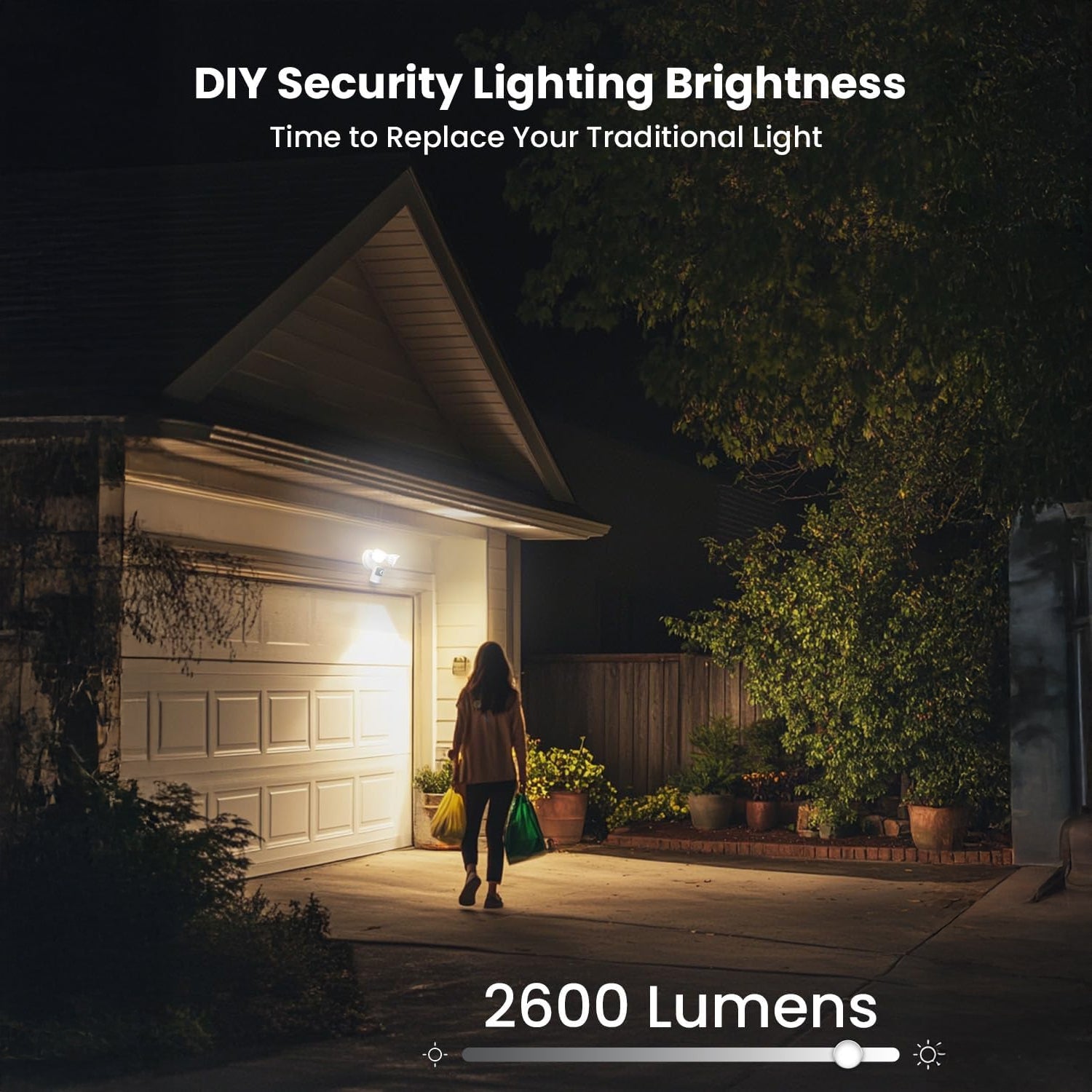
If you’d like that flexibility at your garage or driveway, consider the ieGeek ZY-E2 floodlight camera. It supports both 2.4 GHz and 5 GHz WiFi, so you can choose whichever band works better at the installation point. Its mains-powered 24/7 recording and 2600-lumen floodlight also suit these fixed outdoor monitoring points where continuous video and lighting may be needed.
Practical Tips to Avoid Weak WiFi Coverage
WiFi coverage can change significantly between indoor and outdoor areas, so check the connection where the camera will actually sit before drilling any holes. This should be part of your security camera installation planning before the mounting position is fixed.
Check Signal Range
Stand where you plan to install an exterior security camera and check the WiFi connection on your phone, using the same band as the camera. If the signal becomes weak or drops at the front door, garage or garden, the camera may have the same problem.
Test the Mounting Location
Before fixing the camera permanently, place it near the planned mounting point and open the live view several times. Check whether the video loads normally and whether the camera stays online. If it frequently disconnects, try another nearby position before drilling.
Adjust Router or Mesh Placement
If the camera location still has weak coverage, improve the network connection before installation. Moving the router closer to that side of the house may help. With a wireless mesh system, place the mesh point between the router and camera where it can still receive a strong signal from the main router while extending coverage towards the camera.
FAQ
Do devices automatically switch between 2.4 and 5 GHz?
Some do, but not all. Dual-band routers may steer compatible devices between 2.4 GHz and 5 GHz, while some security cameras stay on the band selected during setup. A 2.4 GHz-only camera cannot switch to 5 GHz.
How do I manually change Wi-Fi between 2.4 and 5 GHz?
Connect the camera to the network name for the band you want to use. If your router shows separate 2.4 GHz and 5 GHz WiFi names, select the appropriate one during camera setup. If both bands share one network name, check whether your router allows separate names; some broadband hubs do not offer this option.
How do I tell if my Wi-Fi is 2.4 or 5 GHz?
Check your router app or WiFi settings. Networks labelled with names such as “2.4G” or “5G” are easy to identify. If both bands use the same network name, check the connected-device details in your router settings to see which band the camera is using.
Do all routers have 2.4 and 5 GHz?
No. Some routers only support 2.4 GHz, while many newer models support both 2.4 GHz and 5 GHz. Before buying a camera, check the router specifications to confirm that it supports the band the camera requires.
How far can 2.4 GHz WiFi reach?
There is no fixed range for every home. 2.4 GHz usually reaches further than 5 GHz, but the actual distance depends on walls, floors, building materials, router placement and interference. Outdoor coverage can extend much further in an open area than inside a property with several solid walls.
Conclusion
2.4 GHz and 5 GHz work better under different network conditions. 2.4 GHz is generally a better choice for longer distances or signals that need to pass through walls, while 5 GHz works well when the camera is closer to the router with fewer obstacles. Dual-band cameras give you the option to use either frequency as conditions change. Before fixing the camera in place, try live view and playback at your chosen spot. A few minutes of testing can save you having to move it later.
About the Author
 |
Developed by the ieGeek content team, combining hands-on experience with smart devices and insights into real user needs. ieGeek is widely known for smart security, our solutions are also designed for a variety of real-life scenarios, including travel, outdoor monitoring, pet care, and family safety. We focus on delivering simple, dependable solutions that fit seamlessly into daily life. |